1688以外のサイト、現地商品市場から弊社が独自にリサーチした商品のご提案を行います。 また、お取り組み先にご覧頂きやすいように「G/M」が付いた品番はこちらから検索ください。
1688.comは中国で生産され、流通している商品を扱うBtoB卸サイトとなります。お客様が弊社サイト内にて仕入処理をされても、日本国内の法律に則り、日本への輸入ができない商材もあり、その場合弊社でも仕入れの手配が出来ません。その際はシステム上で、自動的に注文削除となってしまう事を、恐れ入りますがご了承願います。
※単価についての注意事項: 船便の単価が適用されるには、今回の仕入において(他の商品も含めた)、消費税抜きの仕入総合計金額が20万円以上の場合となります。 総合計が20万円未満の場合はシステムで自動的にOCSの単価が適用されます。
{{ variable.name }}


ZoeRax Tools aims to offer products that excel in performance, durability, and precision, ensuring each item consistently delivers dependable quality at an affordable price,Our priority is to provide our customers with high-quality tools and empower them to establish their own network security.
|
|
|
|
|---|---|---|
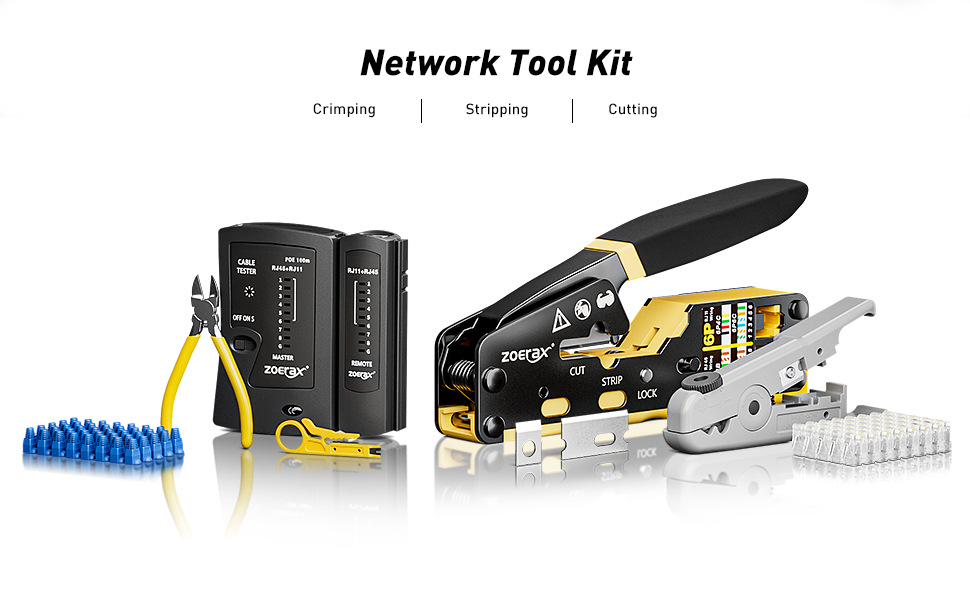
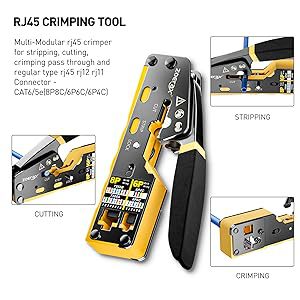
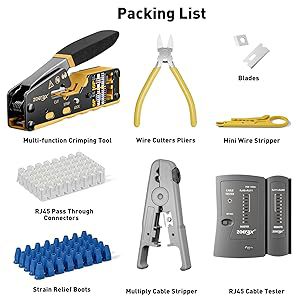
All-in-one Pass Through RJ45 crimp tool
|
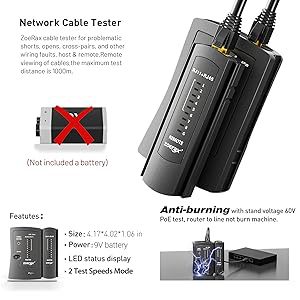
Network/Phone Continuity Tester
|
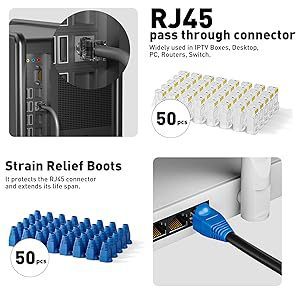
Cat 6 RJ45 Pass Through connectors, Blue Covers
|
|
|
|
|
|---|---|---|
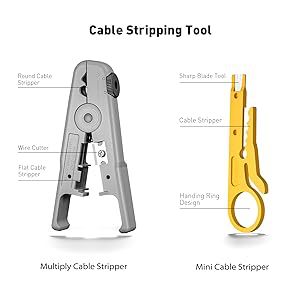
Wire Stripper
|
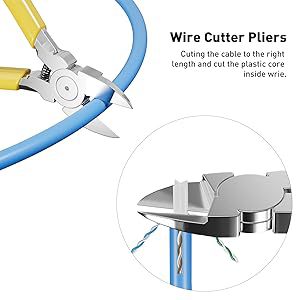
Wire Cutters Pliers
|
Packing List |
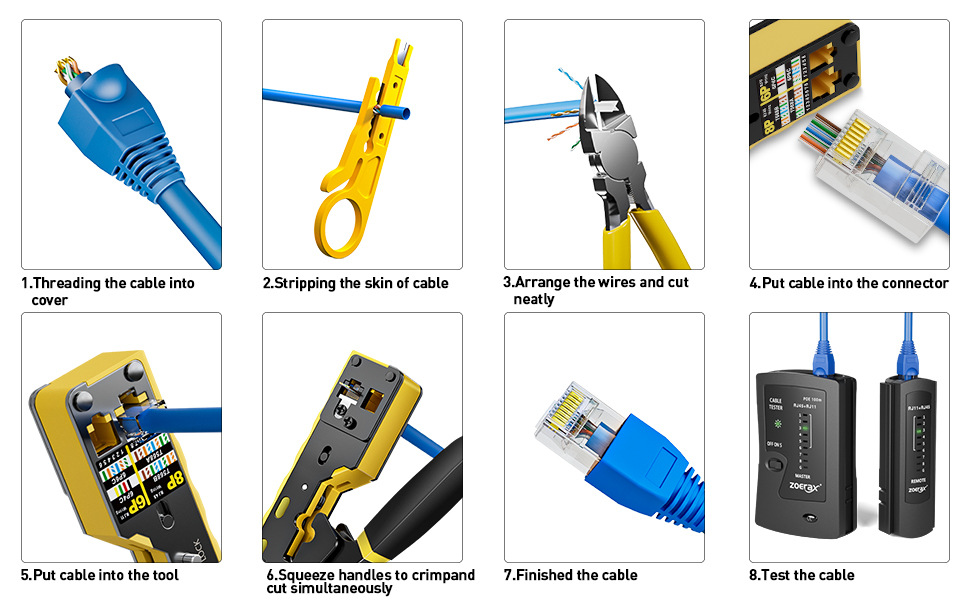
1. Slide the blue cover boots onto the cable in advance.
2. Insert the cable into the stripping port of the pass-through RJ45 crimper.
3. Use the RJ45 Ethernet crimper or a mini wire stripper, rotating the cable 360 degrees to strip it. (Note: Be careful not to crimp too tightly to avoid damaging the internal wires).
4. Align the eight colored wires according to the T568A or T568B standard (T568B is more commonly used in home settings).
5. Once the wires are aligned, neatly cut them using the cutting port blade of the RJ45 Ethernet crimper.
6. Insert the ordered wires into the end of the crystal connector. Hold the cable firmly to maintain the correct sequence.
7. Insert the network cable with the crystal connector into the 8P crimping port.
8. Squeeze the handle firmly, then release it, and pull out the crystal connector.
9. Test with Network Cable Tester